


Tutorials
Color Editor - Create Customized Assets
The fastest way to edit SVG files online. Upload your vector icons or illustrations, change colors, resize, and modify paths directly in your browser, no heavy software required. Use our free SVG editor to convert to PNG and download instantly.

Color Editor NEW


Apply Brand Colors to Any Vector
Instantly apply your hex codes to our entire library. Use the online SVG editor to match icons and illustrations to your brand style without downloading software.
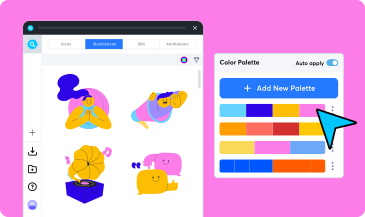
Experiment with Color Palettes
Unsure what to pick? Test our preset palettes on your SVG icons and illustrations. Design unique color palettes and customize your assets effortlessly
Generate Color Palette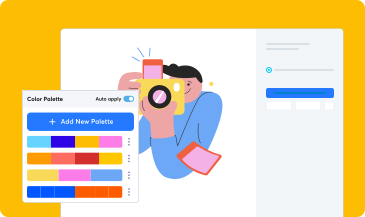

Unlock over 15M+ royalty-free assets including SVG Icons, Lottie Animations, Vector Illustrations, 3D Icons, and complete design kits to power your workflow.
Connect IconScout to Claude, Cursor, and other MCP clients. Ask in plain language, get licensed assets matched to your style without leaving your workflow.
Explore
Give your design assets – such as icons, illustrations and Lottie animations – a new coat of paint by experimenting with different shades and hues.


